Coding, pixel art & 3D lessons for kids — taught personally, not by a platform.
One-on-one or small-group lessons in Python, pixel art, and Blender for kids 10 and up, led personally by an instructor with 6+ years of teaching experience. No rotating staff, no pre-recorded videos — just a real teacher who knows your child.
Student and Parent feedback
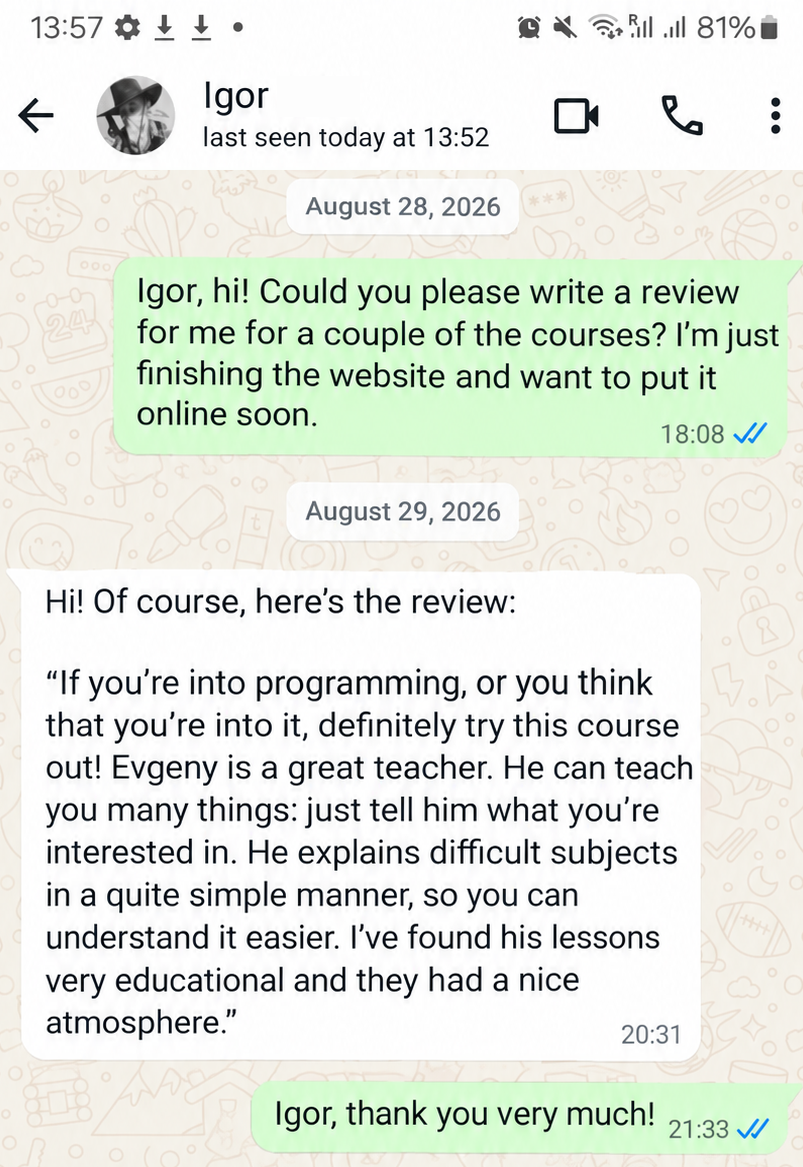
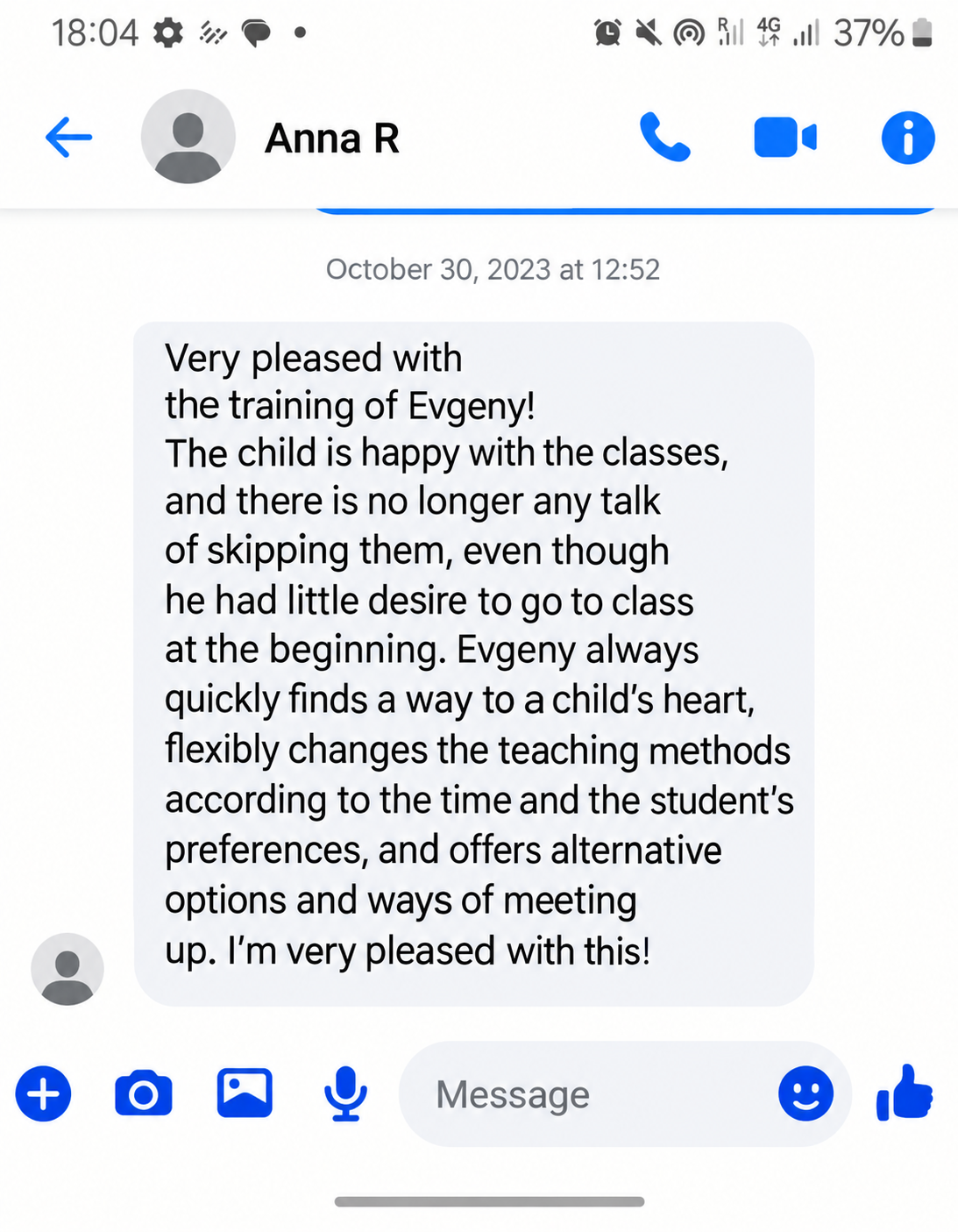
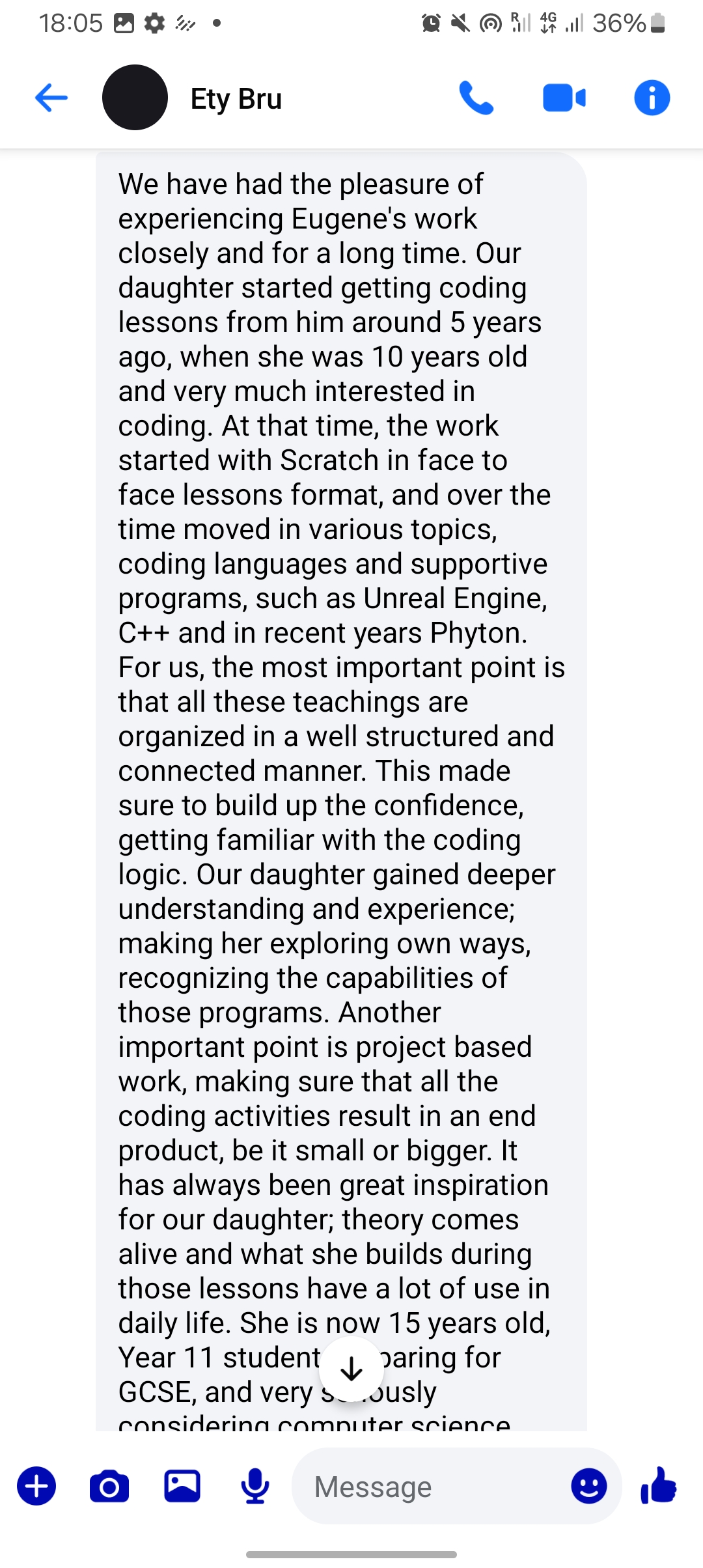
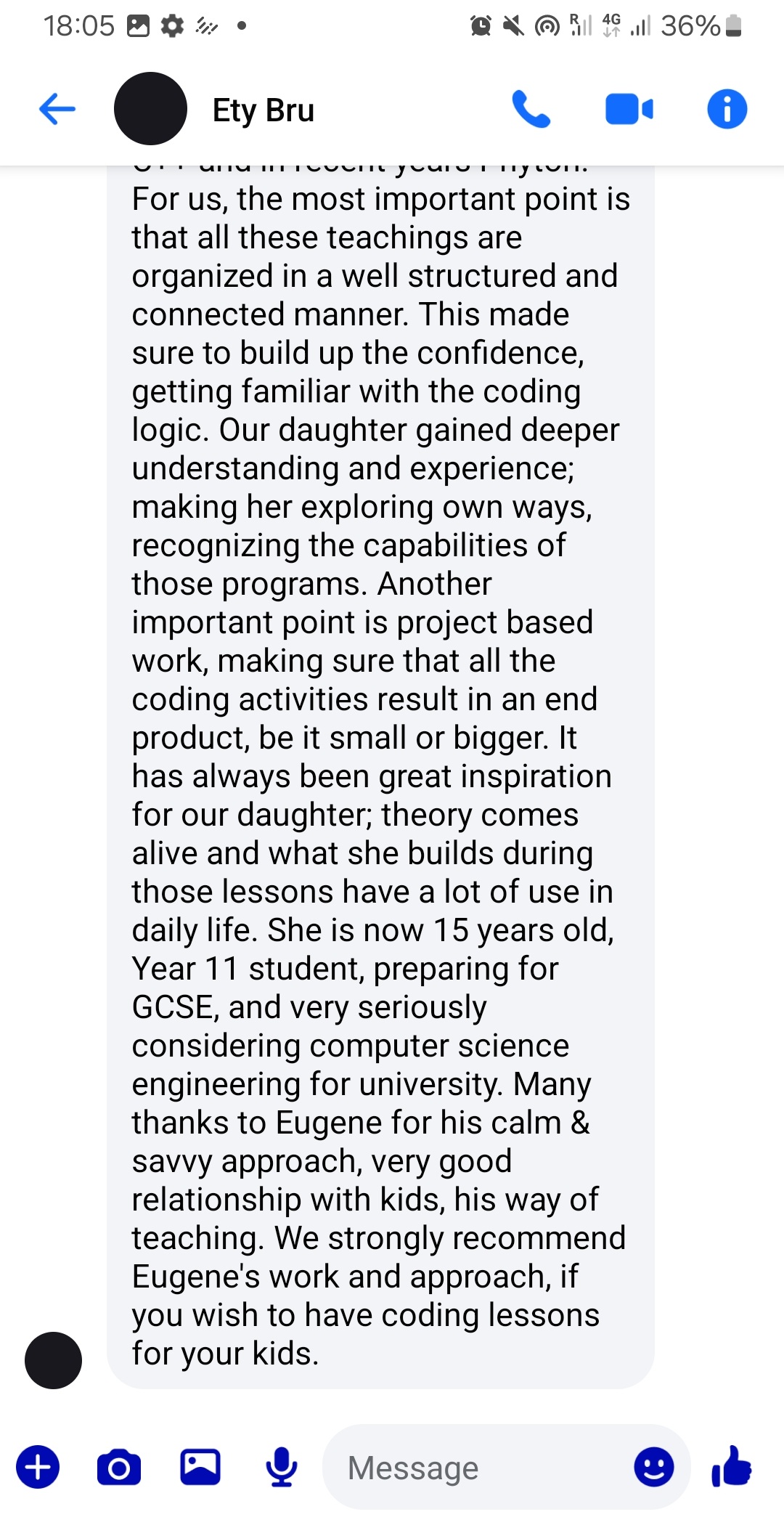
Three paths. One teacher. Real outcomes.
Each path is split into three stages — beginner, medium, and advanced — so your child always knows what they're working toward next, and you always know what they're learning.
Python Programming
A structured path toward the Python Institute's official certifications — PCEP, PCAP, and PCPP1 — taught through real, playful projects rather than dry exam drills. Your child writes and runs real code from lesson one.
Foundations (PCEP path)
Variables, decisions, loops, and how a program actually thinks — built through small games and scripts.
Structures & objects (PCAP path)
Organizing data and learning object-oriented programming — the biggest conceptual leap in the whole path.
Professional skills (PCPP1 path)
Building real applications: interfaces, file handling, and networked programs.
Pixel Art for Games
From a first clean pixel line to a full animated character ready for a real game. Builds the visual and technical skills game artists use every day.
Lines & shapes
Clean pixel lines, strong silhouettes, and basic light and shadow.
Detail & color
Anti-aliasing, dithering, building a working color palette, isometric art, tile sets, and basic sprites.
Sprites & animation
Full character sprite sheets, animation, visual effects (VFX), game UI elements, and a small finished portfolio.
3D Modelling in Blender
Learn to build game-ready 3D assets the way studios actually do — from first shapes to textured, export-ready models.
The Blender interface
Navigating 3D space and modelling simple objects.
Texturing fundamentals
UV unwrapping, materials, and more detailed models.
Game-ready pipeline
Professional texturing and exporting finished assets for a real game engine.
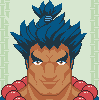
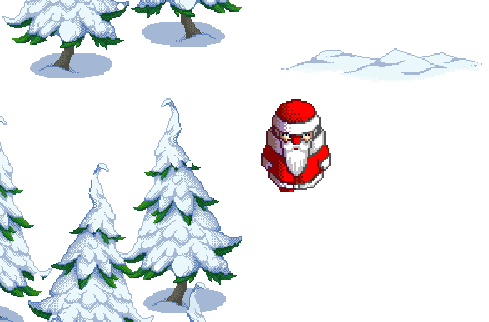
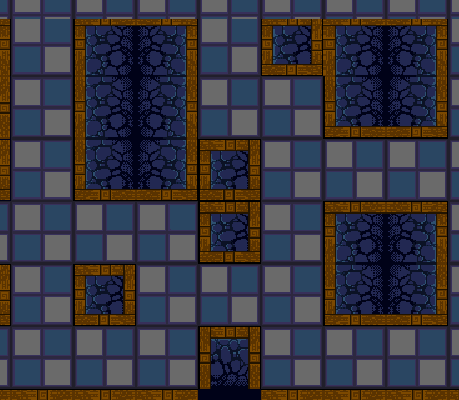
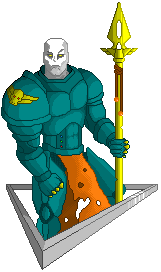
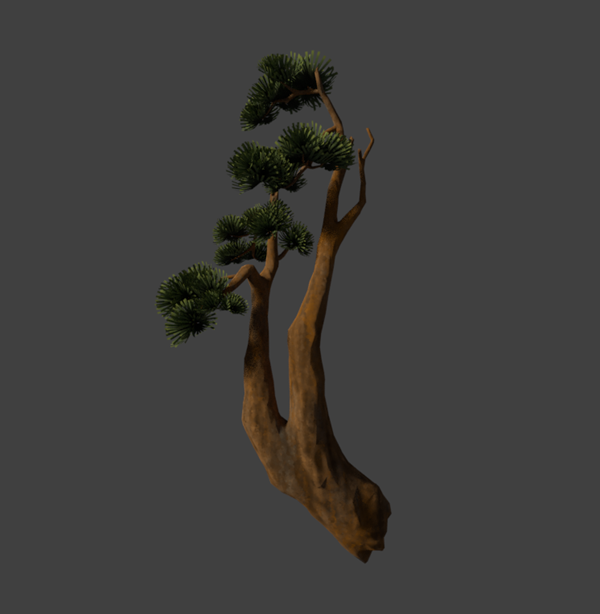
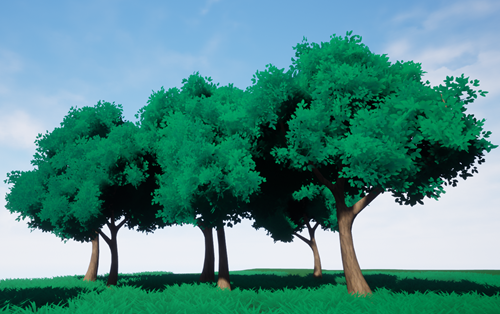
What students actually make.



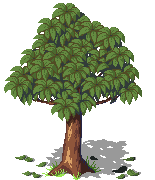
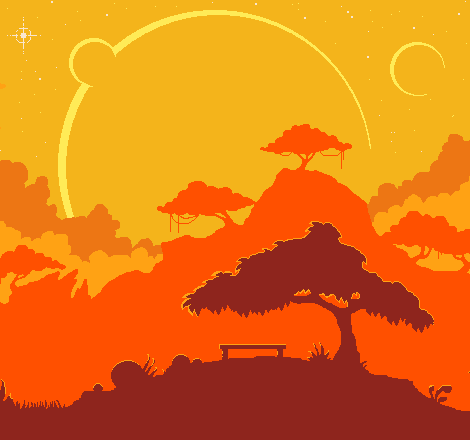
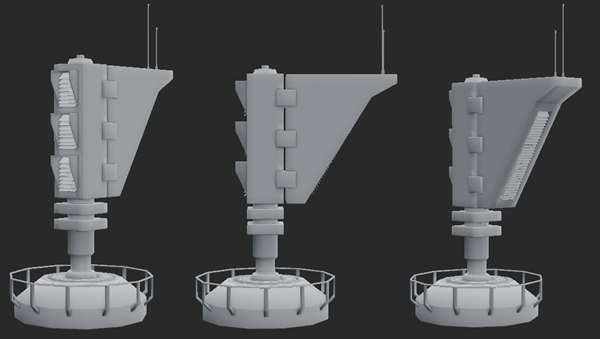
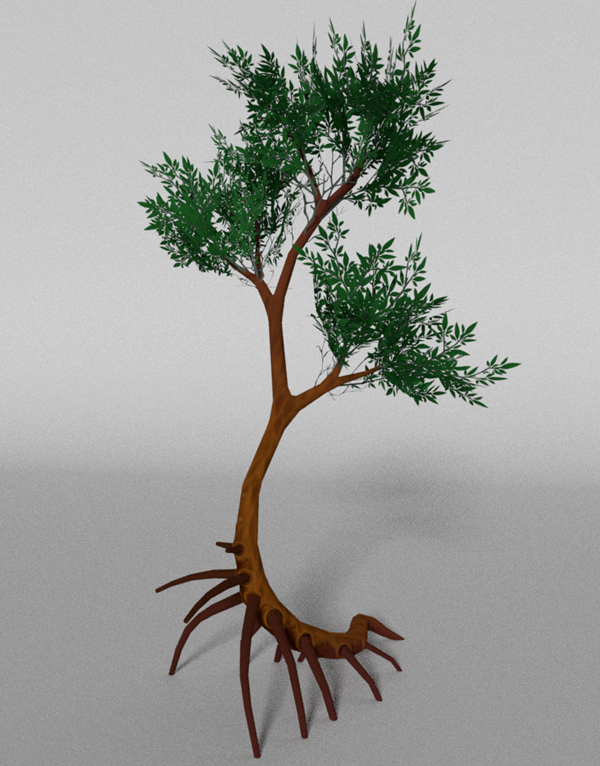
Six years of teaching kids to build real things.
I've spent the last six years teaching kids and teens to code and create — starting with in-person Scratch and C++ lessons, and for the past several years, live online Python lessons. Along the way I've also taught pixel art and 3D modelling in Blender.
Every lesson is live, personal, and adjusted to how your child actually learns — not a fixed script or a pre-recorded video. Group sizes stay small (2–5 students) so every student gets real attention.
Simple, transparent pricing.
Group (2 or more students): €30 per lesson. Individual (1-on-1): €40 per lesson. No commitment — cancel anytime with 24 hours' notice.
Prepay all the lessons in one stage (beginner, medium, or advanced) and get 10% off: €27 per lesson in a group, €36 per lesson individually. Valid for 3 months from the start date.
Stage price = lesson price × number of lessons in that stage. That's it — no hidden fees, no surprise add-ons.
| Program | Stage | Lessons | Group total (prepaid) | Individual total (prepaid) |
|---|---|---|---|---|
| Python | Beginner | 10 | €270 | €360 |
| Python | Medium | 14 | €378 | €504 |
| Python | Advanced | 14 | €378 | €504 |
| Pixel Art | Beginner | 8 | €216 | €288 |
| Pixel Art | Medium | 10 | €270 | €360 |
| Pixel Art | Advanced | 12 | €324 | €432 |
| Blender | Beginner | 10 | €270 | €360 |
| Blender | Medium | 12 | €324 | €432 |
| Blender | Advanced | 12 | €324 | €432 |
Here is how to start.
Book a free trial lesson
A free, no-pressure 30-minute lesson. No payment required, and no commitment either way.
Join a group, or start 1-on-1
Sign up for the next group at your child's level, or join an existing group with a few 1-on-1 catch-up lessons first. 1-on-1 lessons can start anytime.
Pay per lesson or per stage
Pay as you go, or prepay a full stage and save 10% — whatever fits your family.
Learn every week
Lessons run 1–2x per week. Reschedule any time with 24 hours' notice.
Book a free trial — pick a time that works for you.
Choose an open slot below. You'll get an instant confirmation email with everything you need for your first lesson.
1. Choose a slot
Slots are pulled live from the instructor's calendar. This list is a placeholder — connect to the booking backend before launch.
2. Your details
Have a question first?
No pressure — send a quick message and you'll hear back personally.
Frequently asked questions
That's the default starting point. The beginner stage of every program assumes no prior experience.
Group lessons run with a scheduled start date and need at least 2 students to begin. If a group doesn't reach that minimum, you can wait for the next one, switch to a 1-on-1 lesson, or get a full refund.
Yes — either with a few catch-up 1-on-1 lessons, or by waiting for the next group at that level.
Start dates depend on your child's level and current sign-ups, so they're shared personally — during your trial lesson or by email right after — rather than posted as a fixed schedule. This also means you'll always know exactly when your child's group is starting, not just a general timetable.
Lessons can be rescheduled at no cost with at least 24 hours' notice. Lessons cancelled with less notice count as completed, except for sudden illness, injury, or a serious family emergency — those are always rescheduled or credited.
Yes — prepaid lessons remain valid for 3 months from the start of the stage (or the group's start date for group lessons).
Pixel Art is open from age 10. Blender starts at 12 (advanced stage at 14). Python starts at 12, moving to 14+ for the medium and advanced stages, since those introduce more abstract concepts.